If Advisor or Assistant misses something in a response, we want to know right away! You can report the issue using the Feedback feature in the bottom-left corner of either tool.
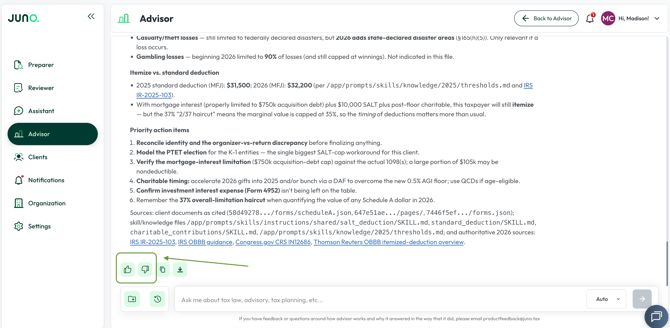
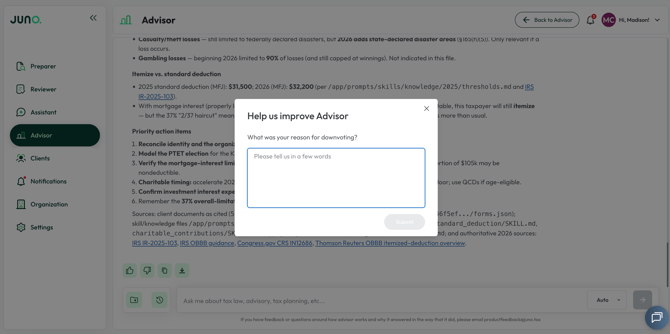
Clicking the “Thumbs Down” icon will open the window below - please include the incorrect portion of the response, what you expected instead, and any other relevant details.
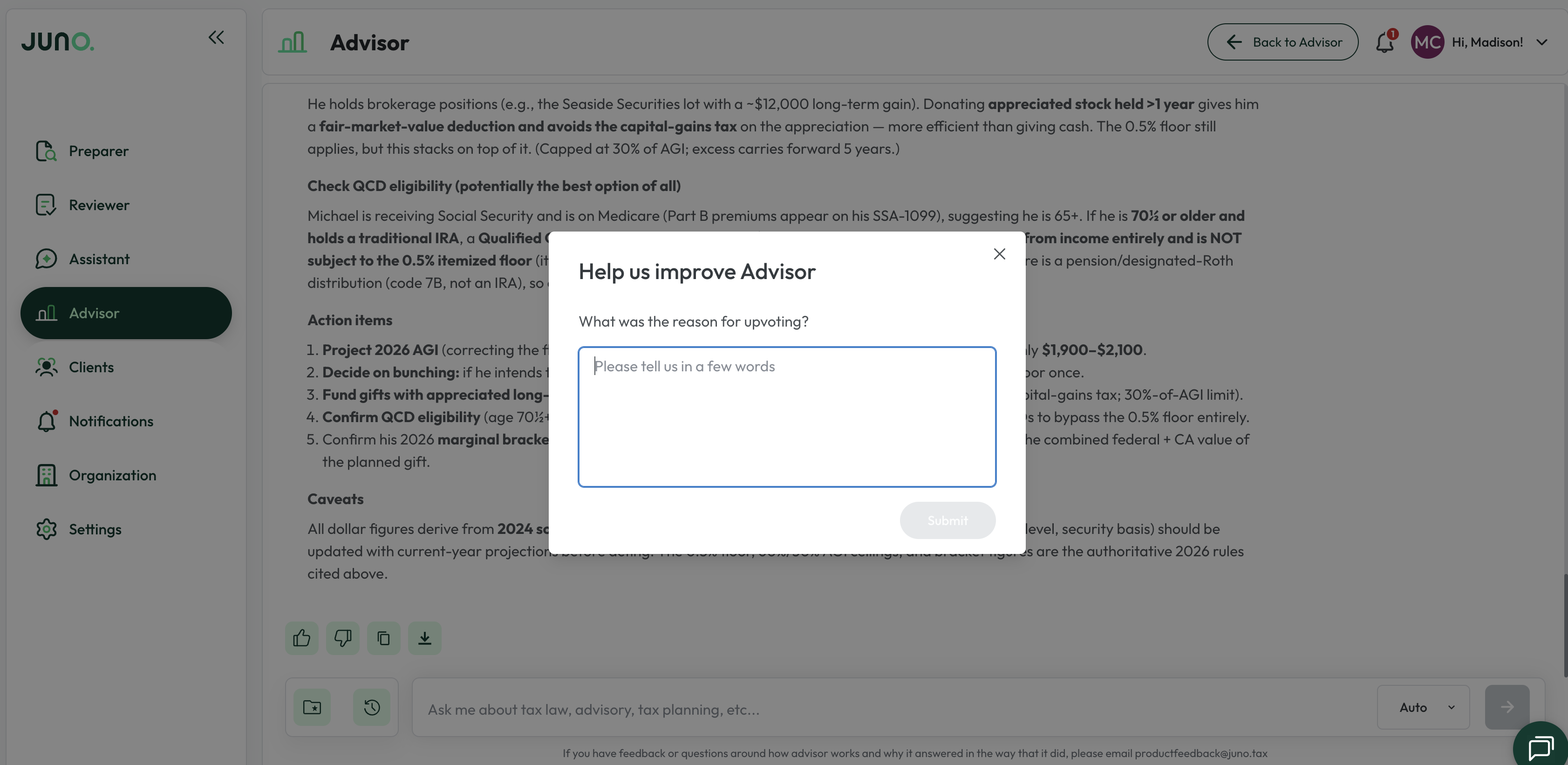
And if an Advisor analysis was helpful, we'd love to hear that too! Just click the "Thumbs Up" icon to let our team know.
Questions
If any other questions on Advisor or Assistant come up, please contact Customer Support via live chat inside of the Juno Web App or email us at support@juno.tax. We're happy to help!